What Is an Ad Blocker and Why You Need One in 2025?
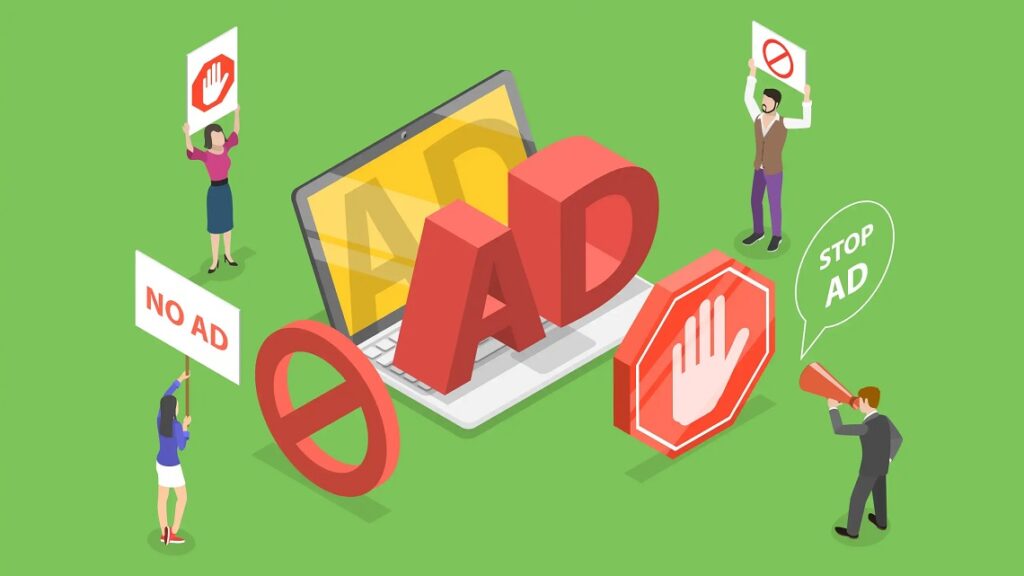
The internet in today’s time is full of ads. From numerous pop-ups to auto play videos, ads are everywhere no matter whichever popular platform you use on the internet. While some are usually harmless, many tend to disrupt your browsing, slow down the websites that you are surfing, & they even track your online behavior to a great extent. That is where the role of ad blockers come in.
In 2025, ad blockers are more than just a convenience. They have eventually become the most essential tools for maintaining your security, privacy, and a smoother online experience altogether. But what do you exactly mean by an ad blocker? And why should you consider using this one? Let us dive deep into this topic for your thorough understanding.
Table of Contents
- 1 What Is Meant by an Ad Blocker?
- 2 Different Types of Ad Blockers
- 3 Why Ads Are Posing a Problem in 2025?
- 4 Major Benefits of Using an Ad Blocker While Browsing in the Internet
- 5 Are Ad Blockers Successful in Blocking All Ads?
- 6 Ad Blockers & the Debate on Ethics
- 7 How Do You Choose the Right Ad Blocker in 2025?
- 8 Are Ad Blockers Considered to be Legal?
- 9 The Future of Ad Blockers
- 10 Should You Always Use an Ad Blocker?
- 11 How to Install an Ad Blocker – A Quick Guide
- 12 Common Myths About Ad Blockers
What Is Meant by an Ad Blocker?
An ad blocker is a software tool that is instrumental in preventing advertisements from appearing when you browse websites or use apps.
- It can be used as a browser extension, an app, or even built directly into your web browser for the desired efficacy.
- It detects ad scripts on websites & stops them from loading.
- It works for all types of ads including pop-ups, banners, video ads, & even sponsored content in some of the cases.
Ad blockers act as an effective filter between you (browser) & the web. They decide what all content gets through & what does not.
Different Types of Ad Blockers
Ad blockers are designed uniquely and in this case not one-size-fits-all. There are various types, each with its own purpose and thus it has to be very carefully selected depending on your purpose.
Browser Extensions
- This is the most common type of Ad blockers.
- Ad Blockers are also installed on browsers like Chrome, Edge, or Firefox.
- Examples: AdBlock Plus, uBlock Origin.
Mobile Ad Blockers
- Several specially developed apps block ads across various mobile browsers & sometimes apps.
- These are found in iOS & Android app stores.
Network-Level Ad Blockers
- This category of ad blockers is installed on networks or routers.
- It blocks ads for every device that is connected to your Wi-Fi.
Built-in Browser Ad Blockers
- Several browsers now include basic ad-blocking features in-built within.
- Opera & Brave are examples of such browsers that have ad-blocking features in-built in them.
Why Ads Are Posing a Problem in 2025?
Digital ads were once just simple banners. Today, they have become complex, targeted, & often intrusive for the browsers. The following are the reasons why digital ads are presently more of a nuisance than ever before:
- Tracking & Privacy Invasion – Several ads are built in such a manner that they track your browsing habits to show you personalized content.
- Increased Page Load Times – Heavy ads eventually leading to slower loading of websites while browsing.
- Security Risks – Malicious ads are also referred to as malvertising, and can potentially infect your devices with harmful malware.
- Annoying Pop-Ups & Auto – Play Videos -These likely disrupt your entire experience & use more data for operating.
- Higher Consumption of Mobile Data – Ads can consume up to 20–30% of your data plan which is completely undesirable.
With the rise of AI-driven ads & programmatic advertising in 2025, this particular problem is only growing at a rapid pace.
Major Benefits of Using an Ad Blocker While Browsing in the Internet
1. Improved Privacy
Ad blockers play an effective role to stop tracking scripts from following you online. Your browsing history remains private always.
2. Faster Speed of Browsing
Without ads, websites happen to load faster. You save both time as well as bandwidth.
3. Enhanced Level of Security
Ad blockers are helpful in protecting you from a host of malicious ads that are intentionally designed to steal data or to install malware.
4. Better User Experience for Internet Browsers
There is no further annoying pop-ups or irrelevant banners that appear while you are browsing. Your screen stays absolutely clean & distraction-free.
5. Save Data & Battery
Mobile users save on their data costs, as devices use less power without the heavy ads loading in the background.
Are Ad Blockers Successful in Blocking All Ads?
Not always. Several ad blockers now follow something which is referred to as “Acceptable Ads” guidelines.
This allows those non-intrusive, relevant, & only safe ads to show. The goal is not to destroy the advertising landscape but to make it better for millions of internet users out there.
You can usually customize your ad blocker to block everything or allow a few ads that support your favorite websites.
Ad Blockers & the Debate on Ethics
Using an ad blocker can sometimes feel like a double-edged sword. Websites earn a substantial amount of money through ads. When you block them, you eventually reduce the websites’ income.
But here is the reality: intrusive ads are indeed driving people away. Several publishers now use much lighter, user-friendly ad models or offer ad-free subscriptions.
So, is using an ad blocker considered to be unethical? Not really, if you:
- Support your favorite sites via donations or subscriptions.
- Whitelist websites that use numerous non-intrusive ads.
How Do You Choose the Right Ad Blocker in 2025?
With so many options available, here is what to look for:
- Ease of Use – You should look for simple installation process & control panel.
- Privacy Protection – It blocks tracking as well as cookies.
- Customization – Ability to whitelist sites or block specific elements.
- Lightweight Performance – It should not slow down your browser under any circumstances.
- Cross-Device Support – It should work on desktop, mobile, as well as tablets.
Top-rated choices for 2025 include uBlock Origin, AdGuard, & Ghostery.
Are Ad Blockers Considered to be Legal?
Yes, in most of the countries, ad blockers are announced to be legal. You have all the rights to control what loads on your device.
However, some of the streaming platforms or websites may somehow restrict access if they detect the usage of ad blockers. For instance, several news sites now display a message that prompt users to disable ad blocking before they start accessing and consuming content from their sites.
The Future of Ad Blockers
In 2025, ad blockers are indeed becoming smarter due to the following facts:
- AI-powered Filters – You can now easily identify & block even new ad formats automatically with the advent of AI.
- Built-in Privacy Dashboards – You may combine ad blocking with cookie management & tracker blocking.
- Integration with VPNs – It protects your data as well as browsing at the same time.
The trend is clear – privacy tools are gradually merging into single, & user-friendly apps.
Should You Always Use an Ad Blocker?
If you value privacy, speed, as well as cleaner internet, the answer to the above question is yes.
But balance is surely the key. Some websites provide free quality content because of ads. Whitelist them if their ads are minimal & found to be non-intrusive for the browsers.
How to Install an Ad Blocker – A Quick Guide
For Desktop
- First of all, go to the extension store of the browser you are using.
- Search for an ad blocker like AdGuard or uBlock Origin.
- Click “Add to Browser.”
For Mobile
- Download an ad-blocking app easily & conveniently from Google Play or the App Store that you use.
- Enable it in your browser settings.
For Network-Level Blocking
- For this, install a service like Pi-hole on your router.
- It will effectively block all ads for every device on your network.
Common Myths About Ad Blockers
Myth 1: Ad Blockers Break All Websites
This statement is not true at all. Most ad blockers let you whitelist or disable them temporarily.
Myth 2: They Steal Your Device’s Data
Reputable ad blockers never collect personal data from your device under any circumstances. Thus, it is suggested to always download from trusted sources.
Myth 3: They Make All Ads Disappear Forever
Some ads are whitelisted if they meet the set quality guidelines. You can also turn this off if you want.
Conclusion – Why Do You Need an Ad Blocker in 2025?
The web in 2025 is highly busy, data-hungry, & often unsafe without the right level of protection being adopted. Ads are not just annoying anymore; a few of them are also proving to be harmful.
An ad blocker gives you:
- A faster, cleaner, & safer online experience.
- Complete control over your privacy.
- Protection against various malicious advertising.
If you have not tried one yet, now is the time. Install an ad blocker today, then customize it as per your needs, & take back control of your digital life.
The future of the internet should be user-first and ad blockers are one step towards making that happen efficiently.
Frequently Asked Questions
Which is considered the best ad blocker for 2025?
It depends on your needs. For lightweight performance, uBlock Origin is considered to be great. For full-system protection, AdLock or AdGuard perform really well.
Can ad blockers block YouTube ads?
Yes, several of them can, but some of the streaming platforms are now implementing measures to bypass them.
Do ad blockers protect against harmful malware?
They can block malicious ads, but they are not a replacement for antivirus software.
Is using an ad blocker ethical?
It depends. Several users whitelist their favorite sites in order to support them while blocking intrusive ads elsewhere.
Are ad blockers free?
Many of them are available free of cost, but premium versions often come with several advanced features like VPN integration.
Do ad blockers work on mobile?
Yes, most of the popular ad blockers have Android as well as iOS versions.




